Soccer zero codes
Soccer Zero codes are short text strings that the developer of the Roblox experience Soccer Zero releases alongside updates, and each one converts into a small bundle of in-game rewards once you redeem it through the in-game Codes menu. The game itself is a 5v5 sports simulator with an anime art direction, where character growth and ball-skill loadouts matter as much as the final score, so promo drops tend to focus on cosmetic and progression items rather than raw stat boosts. Knowing which codes are live, what they actually give you, and how to enter them without hitting the usual account or group gates saves you from wasting a session on expired strings.
This guide covers the current Soccer Zero codes list, the rewards you can expect, the exact redemption flow, the developer group requirement, and the troubleshooting steps that matter when a code refuses to accept. It also explains the broader redemption pattern used across the developer’s other Roblox release, so you can plan around update cycles rather than refreshing a list every hour.
What Soccer Zero codes actually give you
Every active Soccer Zero code resolves into a mix of cosmetic rolls and soft currency. The cosmetic rolls are tied to the game’s two randomized style systems, and the soft currency feeds back into the in-game store. There are no permanent stat multipliers, paid items, or account-locked gear hidden inside a code drop, so the value is progression speed and visual variety rather than power.
- Lucky Style Spins that roll a new cosmetic style for your character.
- Lucky Flow Spins that roll a new ball skill or animation flow used during matches.
- Money, the soft currency used to buy items from the in-game store.
Treat the spins as a way to push your loadout toward a build you actually want to play, and treat the Money as a buffer between matches when you do not want to grind. If a code advertises a single specific reward rather than the usual mixed bundle, that is a useful signal that the developer is testing a smaller drop pattern rather than changing the system.
Current Soccer Zero codes list
The live list changes with every patch, and the developer follows a fairly predictable cycle. Codes tend to ship alongside new content, then rotate out once a newer promo takes their slot, so the list below reflects what is available at the time of writing and is best treated as a snapshot.
| Code | Reward type | Expected contents | Likely expiry |
|---|---|---|---|
| THANKSFORPLAYING | Starter bundle | Small batch of Lucky Style Spins and Money | Short window after the next update |
| SORRYFORSHUTDOWN | Compensation bundle | Lucky Flow Spins and Money | Short window, often tied to a maintenance event |
| UPDATEFIXED | Patch-day bundle | Mix of Lucky Style Spins, Lucky Flow Spins, and Money | Until the next major patch |
The three entries above are the pattern that has been observed for the developer’s launches and recovery events. Always re-check a code the moment you sit down to play, because the window between drop and rotation can be tight, and the same promo rarely survives a second patch cycle.
How to redeem Soccer Zero codes in-game
The redemption flow lives behind a single button on the main menu, and the entire process takes well under a minute once you know where to look. The only common gate is the developer group requirement, which is automatic but easy to miss if you are using a fresh account.
- Launch Soccer Zero from Roblox and wait for the main menu to load.
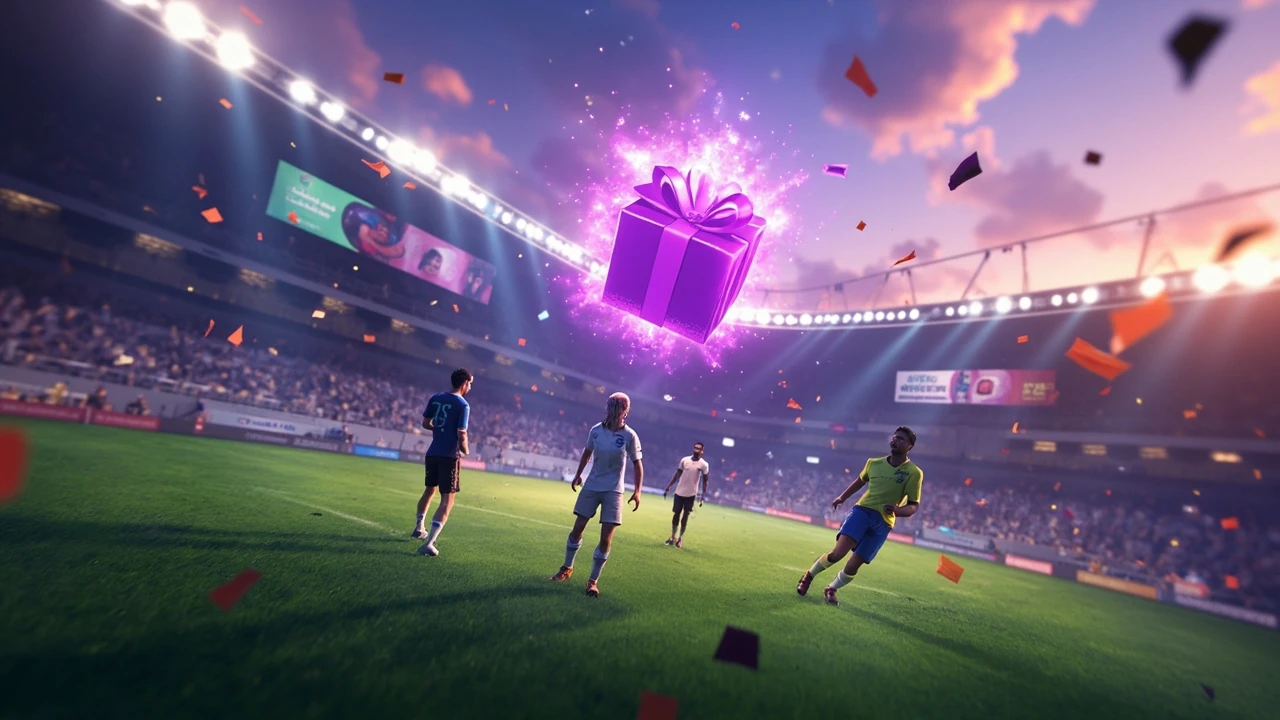
- Scan the bottom row of menu icons until you find the purple gift icon labelled Codes.
- Tap the icon to open the redemption text box.
- Type or paste the code exactly as it appears, with no extra spaces and the original capitalization.
- Confirm the entry. Rewards land in your account immediately if the code is live and your account meets the group requirement.
If the menu does not show a Codes button, the icon has been moved or the current build is on a temporary menu. Restarting the experience or waiting for the next hotfix usually brings it back, because the developer rarely removes the Codes entry without an announcement.
The developer group requirement
You must be a member of the developer’s Roblox group, known as the Current group, before the redemption menu will accept any code. The game will not give you a friendly prompt, so an invalid code result is often the first sign that an account is not in the group. Joining is free and does not require any interaction, so it is worth doing on every account that touches the experience, including alt accounts you use for testing builds.
Once you are in the group, the Codes menu stops rejecting entries on the basis of membership. From that point on, any “invalid code” message is almost always an actual expired or mistyped string rather than a permissions problem, which is useful for narrowing down why a promo fails.
How often new Soccer Zero codes drop
The developer’s release cadence drives the code cadence. Looking at the pattern from the same studio’s other Roblox title, Basketball Zero, codes tend to drop with each meaningful update and then expire once a newer promo goes live. That gives a useful upper bound on how long a given code stays usable, even when no expiry date is published.
| Event type | Typical code behaviour | How long a code usually stays live |
|---|---|---|
| Major content update | One or two new codes drop alongside new styles, flows, or maps | Until the next major update |
| Minor patch or hotfix | A single small-drop code tied to the patch | Days, not weeks |
| Maintenance or rollback | Compensation bundle with Money and spins | Short window, often under a week |
| Seasonal event | Themed bundle for the limited-time mode | Until the event ends |
If a code survives longer than the next major update, treat it as an outlier and do not assume it will still be active weeks later. The safest habit is to redeem a code the moment you find it, then double-check after the next patch notes drop.
Why a Soccer Zero code might not work
A failed redemption usually has one of three causes, and you can diagnose them quickly if you work through them in the right order. Starting with the cheapest check first saves time, because account-side fixes take more clicks than a typo fix.
- Expired code: the string worked at launch or after a patch but the developer replaced it. Try another code from the current list to confirm.
- Typo or autocorrect: Roblox text fields do not always respect pasted capitalization, so retype the code by hand rather than pasting from a chat app.
- Not in the Current group: open the developer’s Roblox group page and join it, then restart the experience and retry.
If none of those resolve the issue, restart the client to clear any cached state from a recent patch, and check the official Roblox group feed for a maintenance notice. Codes are usually disabled for the duration of any maintenance window, so a code rejection during that window is expected rather than a bug.
Where to find new Soccer Zero codes first
The fastest signal tends to come from the developer’s own channels, because third-party lists lag by hours or days. Tracking the right sources keeps you ahead of the rotation curve and reduces the chance of redeeming a code that is about to expire.
- The Current Roblox group feed, which is also where the developer posts patch notes and event timing.
- The developer’s official social channels, where codes are sometimes posted alongside a teaser image.
- The in-game news panel on the main menu, which often previews a code that will go live later that day.
Aggregator sites and fan discords are useful backups, but the most reliable timestamp is the one on the developer’s own post. When in doubt, cross-check the code against two independent sources before assuming it is a typo.
What to spend Soccer Zero codes on first
The rewards from codes are not all equal in value, and the order you spend them in changes how fast a new account catches up. The practical sequence below assumes a fresh account that wants a usable build before it joins ranked 5v5 matches.
- Roll Lucky Style Spins first to lock in a cosmetic direction, because styles inform which flows feel natural in motion.
- Roll Lucky Flow Spins next, so your new ball skills match the visual identity you just chose.
- Spend Money on store items that fill gaps in the loadout, such as a backup style or a flow that pairs with your main.
- Save a small Money reserve for event-specific store rotations, which often contain limited styles.
Players who already own most of the cosmetic pool will see less value in spins and should pivot the Money straight into store items, but new accounts benefit more from the randomized rolls because the expected value per spin is highest when the pool is still wide.
Soccer Zero codes versus generic Roblox promo codes
It is worth keeping two separate code systems in mind, because mixing them up leads to a lot of failed redemptions. The table below maps the practical difference between the two without repeating the earlier redemption steps.
| Attribute | Soccer Zero codes | Generic Roblox promo codes |
|---|---|---|
| Where you redeem | In-game Codes menu behind the purple gift icon | Roblox account settings on the website |
| Reward type | Game-specific spins and Money | Account-wide items such as avatar gear |
| Eligibility gate | Join the Current Roblox group | Active Roblox account in good standing |
| Update cycle | Tied to game patches and events | Tied to Roblox platform promotions |
Use Soccer Zero codes for in-game progression, and use Roblox promo codes for avatar items and platform-wide perks. Treating them as a single system is the most common reason players think a code “did nothing”, when in fact the code was correct but routed through the wrong redemption page.
Tips for squeezing more value out of each code
Codes are small, but the way you spend them compounds across a season. A few habits make each drop go further without adding grind.
- Redeem in batches after a major patch rather than one at a time, so you can plan a full style plus flow loadout in a single sitting.
- Avoid burning Money on rotating store items that reappear in future rotations; prioritize store items that are flagged as limited.
- Roll spins during off-peak hours if you suspect a hidden pity system, because patch-time rollouts sometimes skew the drop pools.
- Keep at least one spare code slot unfilled so a surprise event code can land without forcing you to spend existing rewards early.
None of these are guaranteed mechanics, but they line up with how the developer has shipped the other title in the same family and how randomized reward systems tend to behave in similar Roblox experiences.
Common mistakes to avoid with Soccer Zero codes
Most failed redemptions come from a small set of habits that are easy to fix once you see them written down. Skipping this list is the fastest way to lose rewards you could have claimed.
- Redeeming a code before joining the Current Roblox group, which silently rejects the entry.
- Pasting a code with a trailing space from a chat app, which Roblox text fields will treat as an invalid string.
- Trusting an outdated list that still shows launch-day codes as active, even when the developer has rotated them out.
- Spending Money from a code on duplicate styles instead of saving it for a store rotation with limited items.
If you keep all four of these in check, the only codes you will lose are the ones the developer retired without warning, which is outside the player’s control.
What changes if the developer ships a major overhaul
A major overhaul usually restarts the code economy in two ways. First, the spin pools are reset, which means the expected value of every Lucky Style and Lucky Flow roll goes up. Second, the Money inflation changes, which means older code bundles lose relative value even if the nominal number is the same. Players who joined after a reset should treat every code as a higher-priority claim than veterans do.
For an overview of how larger design decisions in newer releases shape player experience beyond raw graphics, the broader case for design depth in new game releases walks through why small reward systems matter more than they look. It is a useful lens for understanding why a tiny code drop can shift a meta as much as a balance patch.
Players who also play the developer’s other Roblox title will recognize the same code economy in related free-to-play code systems like NBA 2K Mobile codes, where small bundles of soft currency and cosmetic items follow a similar update cycle and reward timely redemption.
Planning around Soccer Zero code rotations
Because the developer ties code lifecycles to updates, the best long-term habit is to align your spending with the patch calendar rather than your own schedule. A short planning loop keeps the rewards productive without forcing you to grind between drops.
- After each major patch, redeem any new codes within the first play session.
- Spend the resulting spins and Money before the next patch lands, so nothing is wasted on a soon-to-be-reshuffled pool.
- Keep a small Money reserve in case the developer ships an unexpected compensation bundle after a hotfix.
- Re-check the live list at the start of every session until the next patch goes live.
Players who treat codes as a one-off bonus usually leave value on the table, while players who treat them as part of the patch cycle end up with a steadier progression curve and more room to experiment with new styles and flows.
Final notes on Soccer Zero codes
Soccer Zero codes are a small but consistent layer of free progression on top of an already fast-moving 5v5 experience. The pattern is simple: codes drop with updates, they grant spins and Money, and they expire on a tight cycle. Redeeming them through the in-game Codes menu while joined to the developer’s Roblox group is the only requirement, and most failed redemptions come from group membership or a single mistyped character.
For a broader view of the kind of system thinking that informs these small reward loops, look at how related experiences handle similar mechanics. The same logic shows up in the NBA 2K Mobile codes economy and in the design philosophy behind keeping new releases focused on more than sharp graphics. Both are useful references for understanding why a clean code economy matters in a competitive Roblox sports title, and they line up with the way the current Soccer Zero code list tends to behave across a typical patch window.
Re-check the live list before you start a session, join the Current Roblox group on any new account, and treat each drop as a short-window resource rather than a permanent unlock. With those habits in place, the code system becomes a reliable lever for keeping a fresh build well-stocked in styles, flows, and Money without grinding between matches.
Frequently asked questions
How do I redeem Soccer Zero codes?
Open Soccer Zero from Roblox, find the purple gift icon labelled Codes on the bottom row of the main menu, tap it, and enter the code exactly as published. Rewards land in your account instantly if the code is live and you are a member of the developer’s Roblox group.
Do I need to join a Roblox group to use Soccer Zero codes?
Yes. You must be a member of the developer’s Roblox group, known as the Current group, before the redemption menu will accept any code. Joining is free, takes a few seconds, and does not require any interaction inside the group itself.
What rewards do Soccer Zero codes give?
Active codes grant a mix of Lucky Style Spins for cosmetic styles, Lucky Flow Spins for ball-skill animations, and Money to spend in the in-game store. Some patches ship a single reward type, while others combine all three into one bundle.
How long do Soccer Zero codes stay active?
Codes usually stay live until the next major update, with shorter windows for minor patches, maintenance events, and seasonal drops. Treat any code as a short-lived resource and redeem it the same day you find it.
Why is my Soccer Zero code not working?
Common causes are an expired string, a typo from a chat-app paste, or an account that has not joined the Current Roblox group. Recheck the code, retype it by hand, confirm group membership, and restart the experience if the rejection persists.
Are Soccer Zero codes the same as Roblox promo codes?
No. Soccer Zero codes are redeemed inside the game and grant game-specific rewards. Roblox promo codes are redeemed through the account settings page on the Roblox website and grant account-wide items such as avatar gear. The two systems do not share strings or rewards.
Can I use the same Soccer Zero code on multiple accounts?
Each code is single-use per account, but there is no global limit on how many accounts can redeem the same string. Players who run alt accounts can claim the same rewards on each one, provided every account is in the developer’s Roblox group.
Do Soccer Zero codes ever give stat boosts or paid items?
No. The current code economy is limited to cosmetic rolls and soft currency, so codes do not grant permanent stat boosts, paid store items, or account-locked gear. Treat the rewards as progression speed and visual variety rather than raw power.
Where do new Soccer Zero codes get announced?
New codes tend to appear first in the developer’s Roblox group feed, on the developer’s official social channels, and inside the in-game news panel. Third-party lists are useful backups, but they usually lag behind the official posts by hours or days.
How can I get the most value out of Soccer Zero codes?
Redeem codes in batches after a major patch, roll spins before spending Money so your style and flow choices align, and keep a small Money reserve for limited store rotations. Avoid spending code Money on duplicates when limited items are about to rotate in.